Loyalty programs, by type of business
Visit frequency and the average bill are different in a coffee shop than in a restaurant or a neighbourhood shop. Those differences shape the offer type, the threshold and the reward. Pick your type of business to see which offer fits and how to start it. See how our partners use the Stampino app across different trades.
Pick your type of business
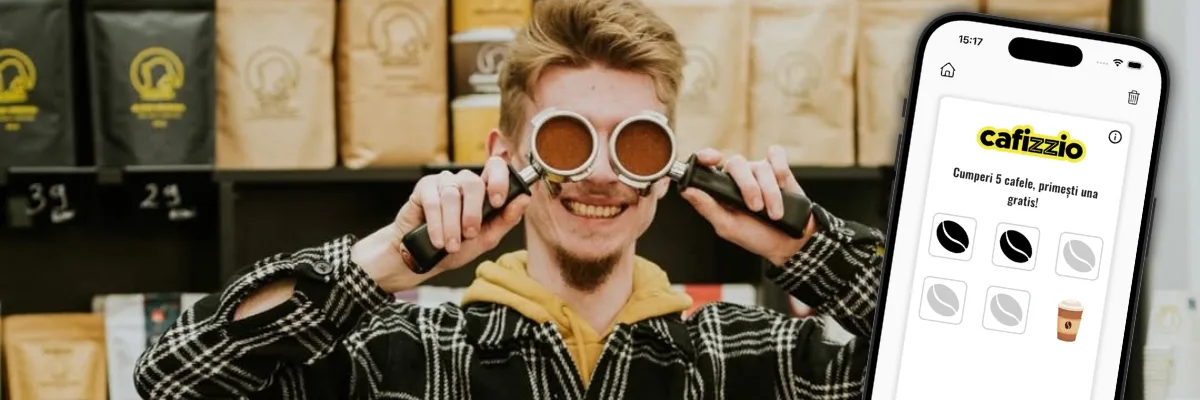
Coffee shops
Stamps or Cashback, which threshold to pick and which rewards are supported by the product margin. How Cafizzio, Nish Coffee, Mabo Coffee and Tamper Coffee run it.
Find out more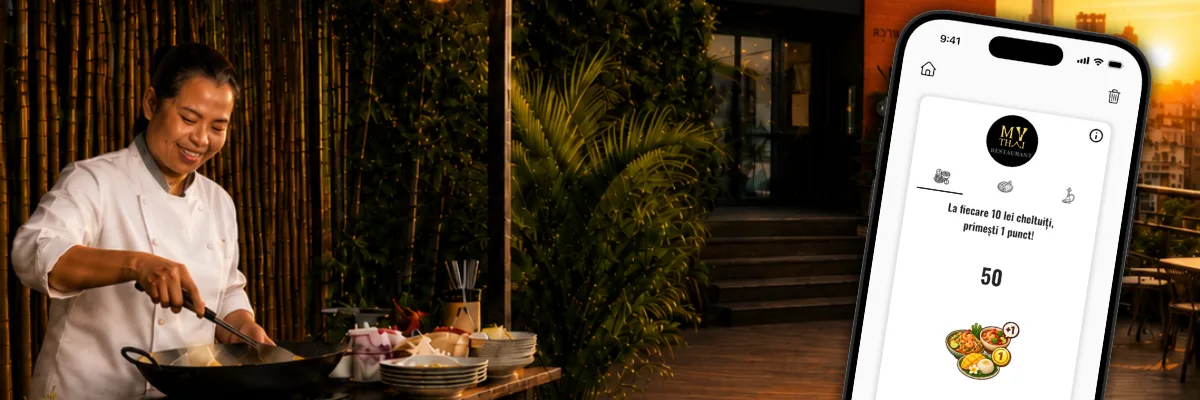
Restaurants
Why points are more suitable than stamps when bills vary a lot, the three offers My Thai runs in parallel, and the QR menu for restaurants.
Find out more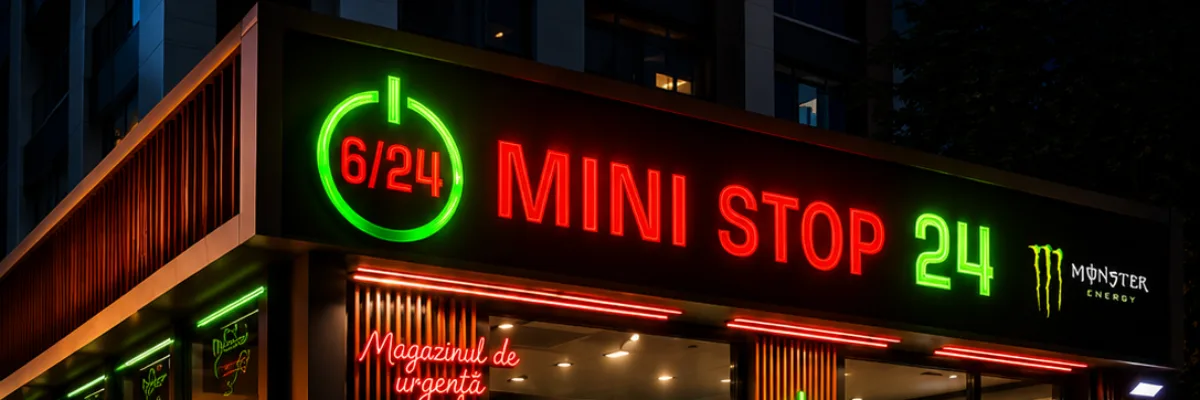
Stores
How you give the customer a reason to come to you and not the neighbour. That is what a loyalty program does, and the big chains have known it for a long time: points and the real MINI STOP 24 setup.
Find out more
Salons
Why a threshold in a salon is measured in months, when stamps are suitable and when points are, and which reward you can offer without losing a slot in your schedule.
Find out more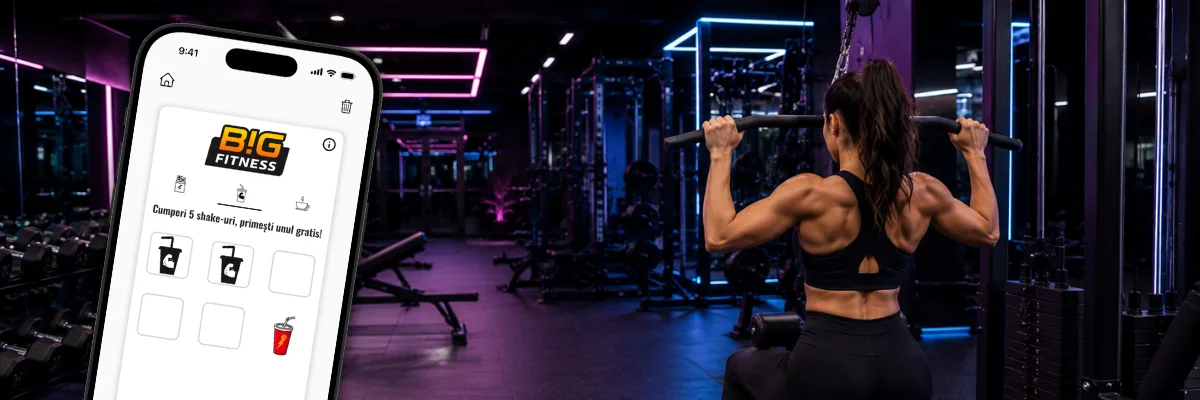
Gyms
Why you stamp what members buy at the counter rather than their entries, the real Big Fitness Cluj-Napoca setup, and which threshold to pick per product.
Find out more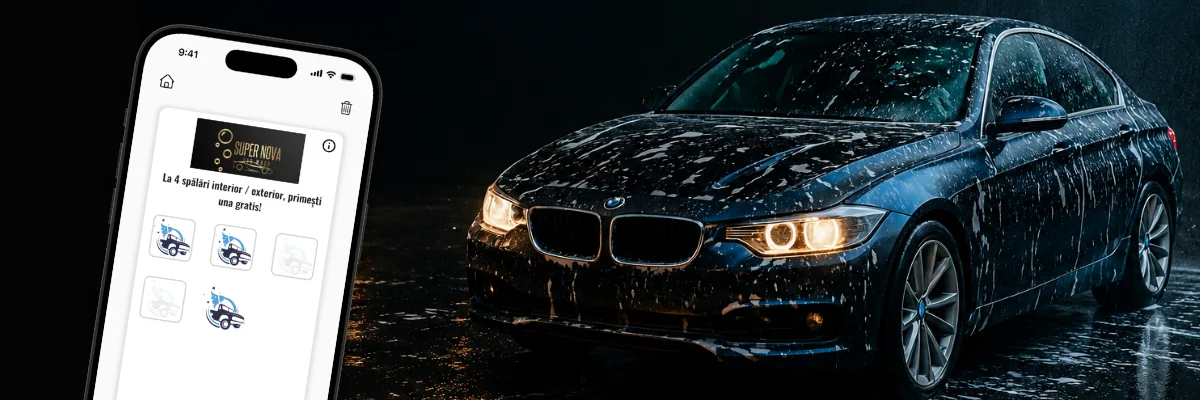
Car washes
Why the expiry period rather than the threshold is what makes a car wash offer pay, and how Super Nova Car Wash in Constanța has theirs set up.
Find out moreGuides and articles
- A loyalty card only in Apple Wallet and Google WalletA digital loyalty card only in Apple Wallet and Google Wallet, with no app for the customer and no listing in the Stampino app.Read the guide
- The best apps for coffee shops in 2026From the POS and the loyalty program to the QR menu, Google reviews and delivery: which software a coffee shop needs, in which order, and what to pick for each.Read the guide
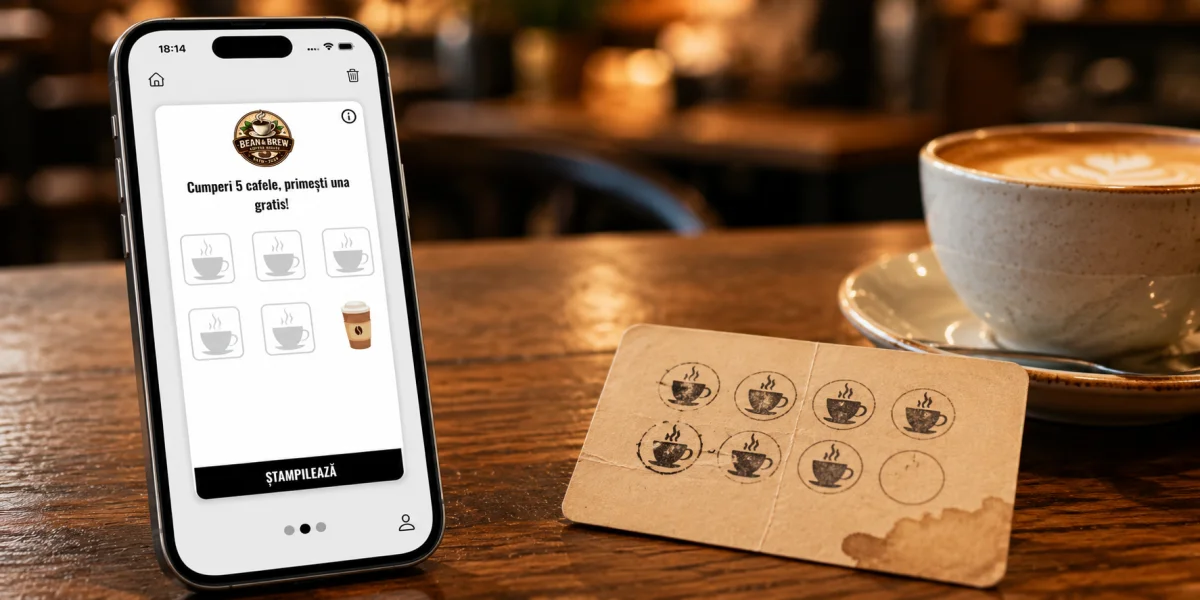
- Digital loyalty card or paper punch cards?Visibility, control and customer data: the honest comparison between paper punch cards and the digital loyalty card, plus the switch with the stamps kept.Read the guide
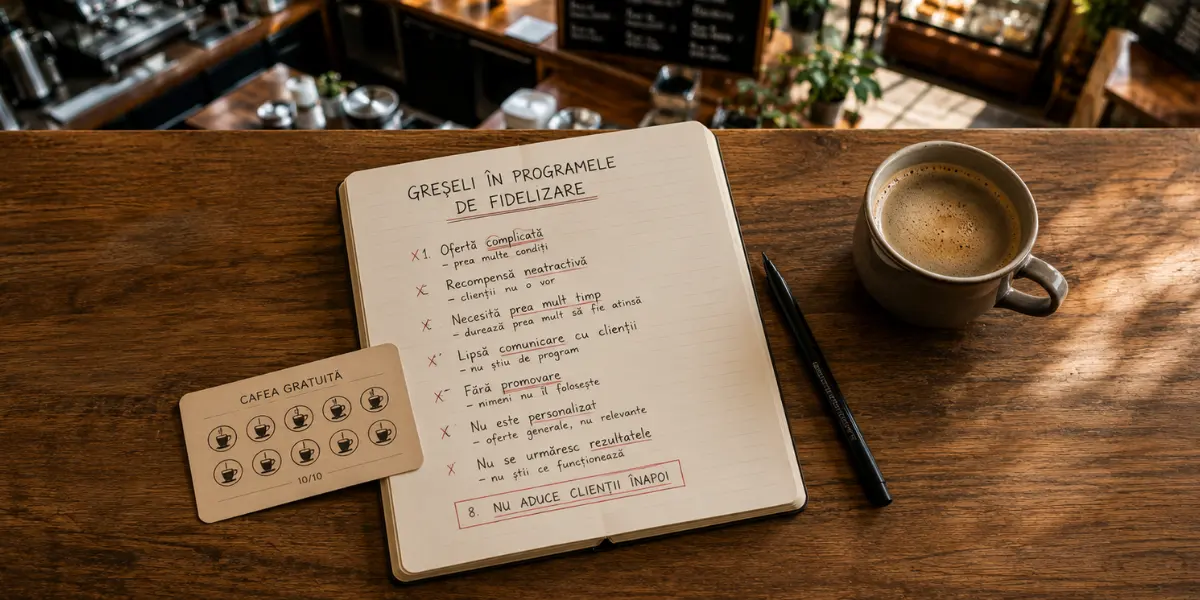
- Mistakes in coffee-shop loyalty programsThe nine mistakes that stop a coffee-shop loyalty program working, each with the symptom you see in the reports and the correction in the admin panel.Read the guide
- 20 loyalty program ideas for coffee shops, restaurants and shopsTwenty offer setups for coffee shops, restaurants and shops, each with the type, the threshold and the reward stated explicitly.Read the guide
- How to increase sales through customer retention: a guide for coffee shops, restaurants and shopsWhat a returning customer is worth, what kind of offer works in a coffee shop, a restaurant or a shop, and which mistakes stop loyalty programs from working.Read the guide


What Stampino does for your business
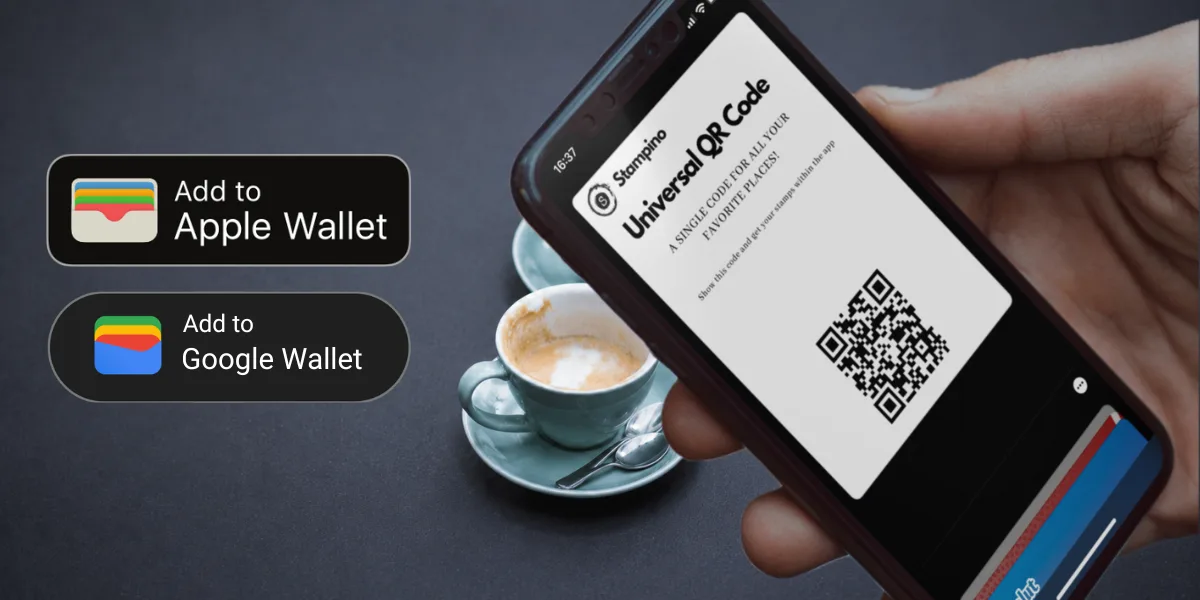
Stampino gives you a digital loyalty card that your customer keeps in their phone. They install it once, search for your business and get the card immediately. The card can also sit in Apple Wallet or Google Wallet. At the till you scan the code on their screen with the phone you already have. The number of customers is unlimited on every plan, and the cost of the plan does not grow with the number of enrolled customers.
It works the same whatever the trade: coffee shops and restaurants, but also gyms, flower shops, beauty salons, barbershops and dental clinics.
The full list of features, from push notifications to the QR menu and statistics, is on the features page.
What you see in Stampino that a paper card does not show you
A paper card does not give you data about customer behaviour, and it can be lost or damaged. In the admin panel you see how many customers signed up, how many stamps you gave and how many rewards were collected. You see how it moves month to month, and which offer works if you run more than one. Those are the figures that show whether the threshold is too high or the offer should be left as it is.
Frequently asked questions
Does the customer need to create an account?
No. The app asks for no account, email or password. The customer installs it, searches for your business and gets the card, and the progress is tied to their phone. If they want to, they can link an account later through Apple, Google or Facebook.
How does a customer add the card?
Two ways. The quickest: they scan the sign-up QR code you put on the counter, on the table or in the window, and the card lands on their phone in a single scan, with nothing to search for. Otherwise they install the Stampino app, search for your business and get the card there. The sign-up QR code comes with the Standard plan and up, and the poster and sticker are generated from the admin panel.
Stamps or points? Which offer fits me?
It depends on how much your bills vary. If you sell one repetitive product at a similar price, like takeaway coffee, stamps are simpler to explain and to track. If one customer leaves 25 lei and another 180, a stamp treats them the same, and that is where points fit. The pages above show which variant suits each type of business.
Do I need a scanner or a new till?
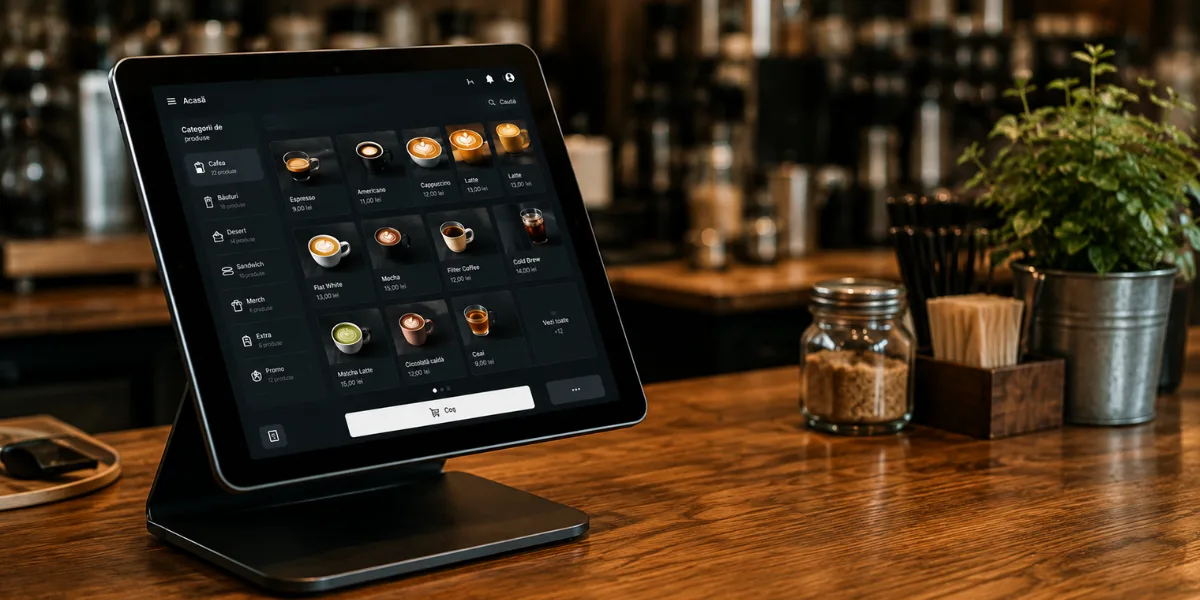
No. You scan the QR code on the customer's screen with the phone or tablet you already have. Nothing changes at the till.
How many customers can I sign up?
Unlimited, on any plan. There is no cap on customers or cards, and the cost of the plan does not grow with the number of enrolled customers.
Can I change the offer after I have started?
Yes. The offer type, the threshold and the reward can all be changed from the admin panel at any time. A starting point can be to watch the first month in the reports, then adjust.
Do stamps or points expire?
Only if you want them to. You can leave the offer with no expiry or set a limit in days, weeks or months. The date shows on the customer's card, and when it passes the card resets and the customer starts from zero. Expiry comes with the Standard plan and up. The customer is informed automatically 7 days before and again the day before expiry.
What if I have several locations?
Each work point has its own subscription, so five locations means five subscriptions. We can also offer discounts for several work points, so get in touch before you sign up.
Does it work on iOS and Android?
Yes. The Stampino app is on the App Store, Google Play and AppGallery. The card can also be kept in Apple Wallet on iPhone, or Google Wallet on Android.
Is the QR menu included?
The QR menu is included free from the Standard loyalty plan up, or with the Lite Plus wallet plan. It can also be bought on its own, if you only want the menu.
See all plansCan I move to a different plan later?
Yes, at any time.
How much does it cost?
A plan with a listing in the Stampino app starts at 36.50 EUR a month, plus VAT where applicable. If you only want the card in Apple Wallet and Google Wallet, without the app listing, the Lite plan costs 10 EUR a month, plus VAT where applicable.
See all plansHow does payment work?
From the admin panel, secured by Stripe, by bank card, monthly or yearly as you choose. The invoice is issued and emailed automatically with every payment and stays available in the panel.