


The real costs of paper punch cards
A printed punch card has a low production cost. But the lost value is not in the paper, it is in the missing data and the missing control over the loyalty program:
- The customer's progress is not available when the card is forgotten or lost, and with it goes an opportunity to encourage the next visit.
- Manual stamp validation has its limits: you have no complete record of the stamps given and the rewards claimed.
- No data on customer behaviour: you do not know how many cards are in circulation, how many customers return and how many rewards are collected.
- Any change to the offer means reprinting and manual handling at the till.
- The punch card gives you no way to talk to the customer between visits: no notifications, no win-back campaigns.
What changes with a digital card
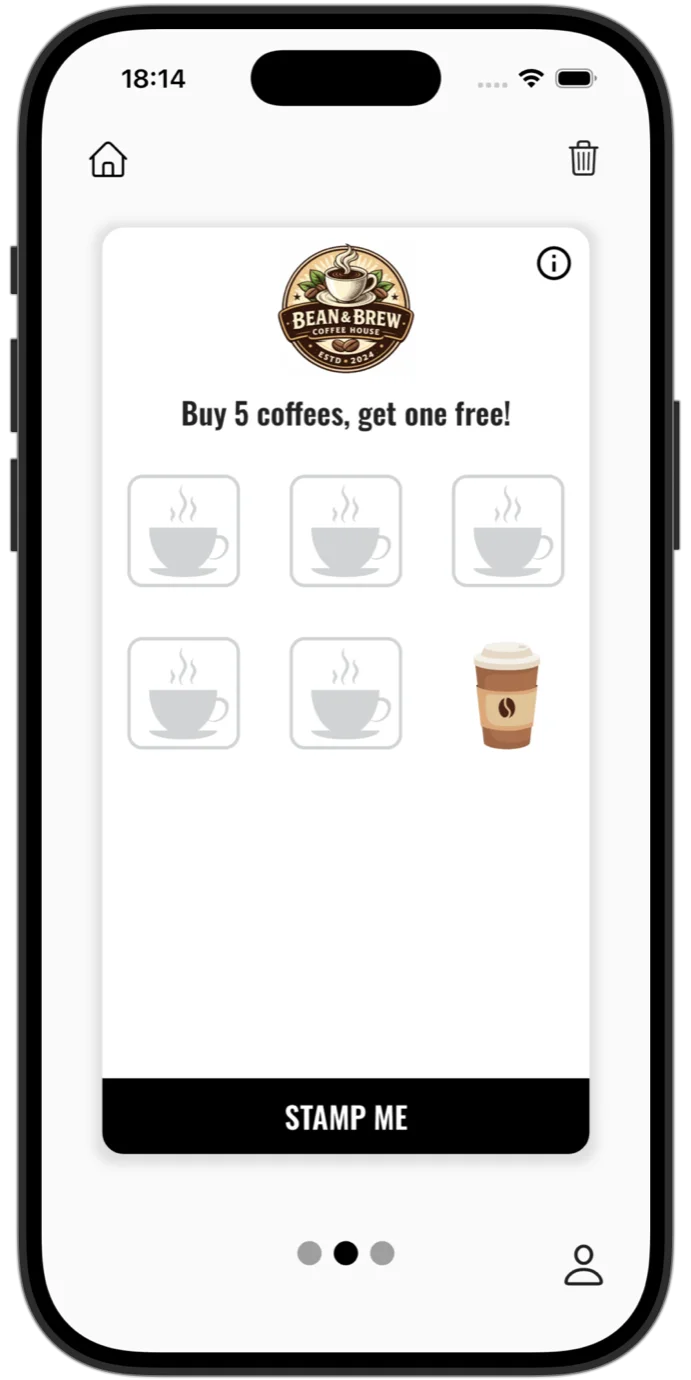
The digital loyalty card lives on the customer's phone, the object they have at hand most often, and progress shows in real time: the stamp appears on the screen the second the employee gives it.
The card can sit straight in Apple Wallet or Google Wallet, with no app to install, or in the Stampino app, alongside all the customer's other cards.
- You remove printing and reprinting: the card is available directly on the customer's phone.
- Each stamp is given through a digital validation process, so rewards are tied to identified visits and customers. You have traceability and a history for every card.
- You see in real time how many cards were issued, how many stamps were given and how many rewards were claimed: data you use for customer retention.
- The offer can be updated instantly from the admin panel, and changes apply automatically to existing cards.
- You send personalised push notifications, with image and link, and build win-back campaigns: loyalty becomes a digital relationship with the customer, not passive waiting.
Discover all of Stampino's features, from birthday rewards to the QR menu.
The point-by-point comparison
- Signing the customer up: with the punch card, you hand them a card; with digital, they scan a QR code once.
- The forgotten card: with the punch card, the visit does not count; with digital, the card is on the customer's phone.
- Control over rewards: with the punch card, manual validation has its limits; with digital, every stamp has traceability and a history.
- The data: with the punch card, no data on customer behaviour; with digital, cards, stamps and rewards in real time.
- Changing the offer: with the punch card, reprinting; with digital, changes apply automatically to existing cards.
- Contact between visits: with the punch card, you have no direct channel; with digital, personalised push notifications and automatic birthday rewards.
- The cost: printing looks free until you add up the reprints and the manual handling; the digital card is a fixed monthly subscription of 10 EUR a month, plus VAT where applicable.
When punch cards still make sense
An honest comparison has the other column too. Punch cards have been a good solution for many businesses, and they remain the reasonable choice if your audience rarely uses a smartphone, if the volume of loyal customers is too small for a monthly subscription, or if you want to test the idea for a month, on paper, before investing in anything.
The digital card becomes the next step when you need more control, data and automation. Until then, a well-made punch card beats having no program at all.
Moving from punch cards to digital, with the stamps kept
The main worry with the change is the progress already collected: "I have customers with stamps on paper. What do I do with them?" It is solved simply:
- You run both systems in parallel for a while: existing punch cards keep being honoured, and new cards are given only digitally.
- You match the progress at the till: the customer shows the punch card, the employee scans their digital card, and the existing progress is transferred quickly, with the exact number of stamps from the paper.
- You announce the change briefly: a poster at the till with the sign-up QR code is usually all it takes.
- After a month or two, you withdraw the punch cards from circulation. Customers who have not yet switched can still match their stamps later, on any visit.
For customers who prefer not to install an app
The loyalty card can go straight into Apple Wallet or Google Wallet, the wallets that come with the phone: the customer scans the code, taps a button and the card is theirs. No app to install, no account, no password.
How it works exactly, which plan it comes with and what its limitations are, is described in the Wallet card guide.
Start your first digital loyalty program
You set up the offer from the admin panel, put the QR code at the till, and the first cards land on your customers' phones the same day.
Register your businessFrequently asked questions
How much does it cost compared to punch cards?
The Lite plan, with the loyalty card in Apple Wallet and Google Wallet, costs 10 EUR a month, plus VAT where applicable. A plan with a listing in the Stampino app starts at 36.50 EUR a month, plus VAT where applicable. Punch cards cost the printing, plus the reprints and the rewards given without any record.
See all plansCan customers who do not want apps manage?
Yes. The card can go straight into Apple Wallet or Google Wallet, with no app to install, no account and no password. And during the transition period you can keep honouring the old punch cards in parallel.
Can I move the stamps from existing punch cards?
Yes, at the till: the employee scans the customer's digital card, and the existing progress is transferred quickly, with the exact number of stamps from the paper.
Do I need any device at the till?
No. The employee scans the customer's code with their phone, from their employee account. No extra equipment is needed.
See also coffee shops, restaurants, stores, salons, gyms, car washes, wallet-only card, apps for coffee shops, common mistakes, 20 loyalty program ideas, customer retention, features or the digital QR menu.